iPad Drawing Academy
THIS IS WHERE YOU BEGIN WITH PROCREATE
WHAT CAN YOU EXPECT:
-

M O D U L E - 1
Getting Started with Procreate
You will learn how to install and configure the application, organize your project gallery, and create documents optimized for your objectives. Additionally, you will learn to select appropriate color profiles, set DPI for print or digital use. -

M O D U L E - 2
Navigating the Workspace
We will explore the interface and user experience in depth. You will take a detailed tour of the interface settings, learn essential gestures and shortcuts and customize the app to suit your needs.
-

M O D U L E - 3
Control Panel
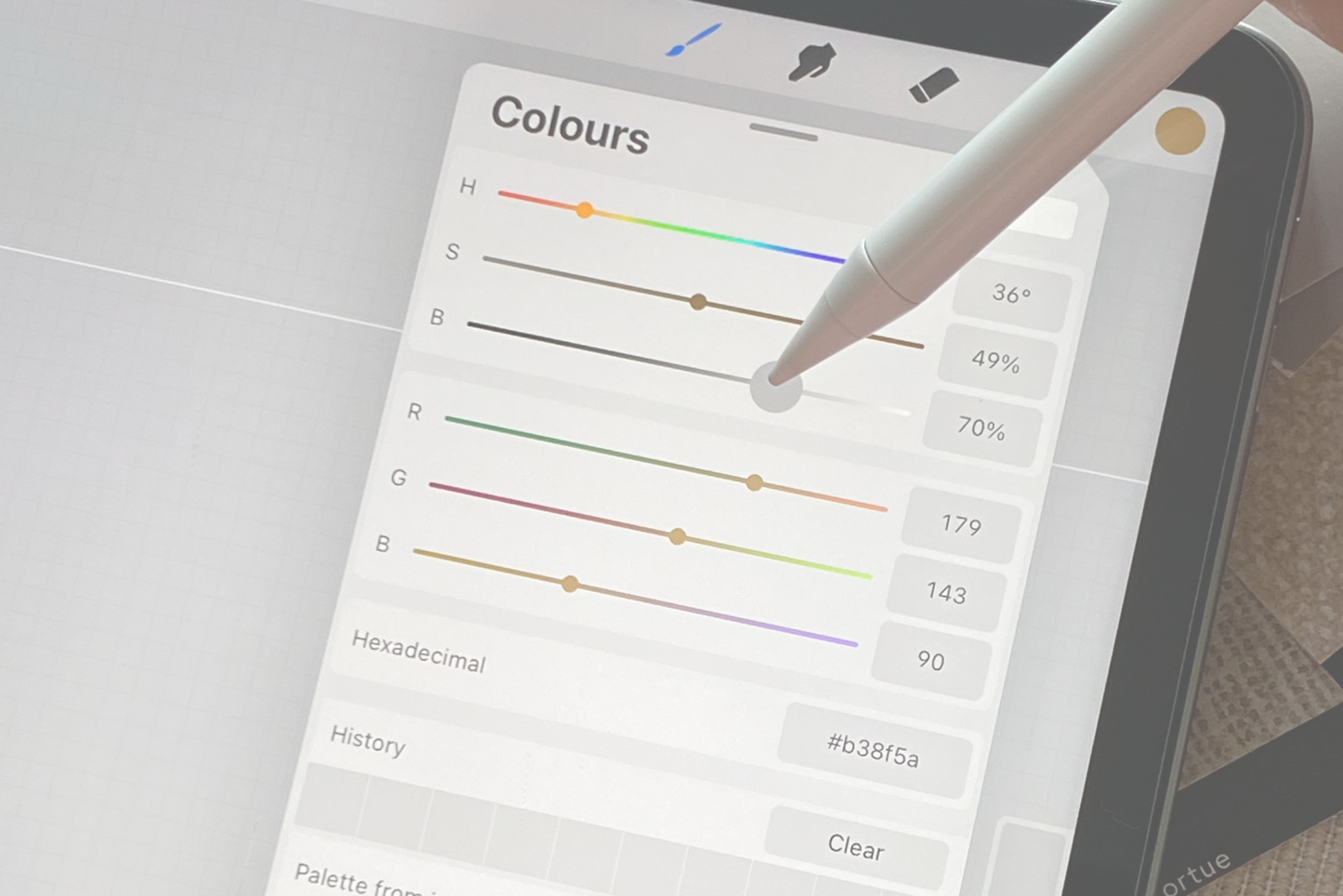
You will learn to add graphic and typographic elements, configure drawing guides, manage files and share your work in different formats. Additionally, you will learn to create and organize advanced color palettes, capture colors from images, and use time-lapse features.
-

M O D U L E - 4
Advanced Editing and Adjustments
You will learn advanced editing and adjustment tools. You will discover advances functions and learn how to apply them. You will understand layer filters and explore key utilities such as the reference viewer and animation assist.
-

M O D U L E - 5
Layers control and Organization in Procreate
We will explore one of the core elements of digital work: layers. You will learn to organize your projects and see how to leverage these features to refine sketches, separate elements, apply localized effects.
-

M O D U L E - 6
Selections and Transformation Tools
This module covers advanced selection and transformation techniques. You will learn automatic and manual selection modes, use advanced options and work with the transform tool. You will also explore features such as snapping, magnetics, interpolation, and advanced warp deformation.
-

M O D U L E - 7
Brushes and building your own Library
We will dive into brush creation and customization through the Brush Studio. You will analyze brush parameters and properties settings. You will learn to develop your own brushes and configure personalized libraries. -

M O D U L E - 8
Exporting with Professional Standards
You will learn to export your projects in formats suitable for any use, This module also covers managing embedded color profiles, optimizing file size and quality, and configuring time-lapse recordings.